SMARTSAFE · WORKSHOP DIAGNOSTICS
ECU & TCU work. Directly from your PC.
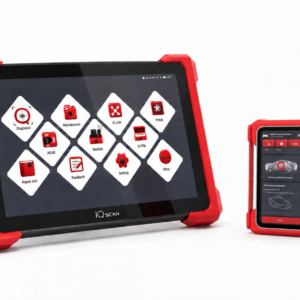
IMMO F3 combines PC-based control-unit programming functions in one device. Read, save and write supported Flash and EEPROM data, prepare backups and carry out supported ECU or TCU cloning without an Android diagnostic tablet.
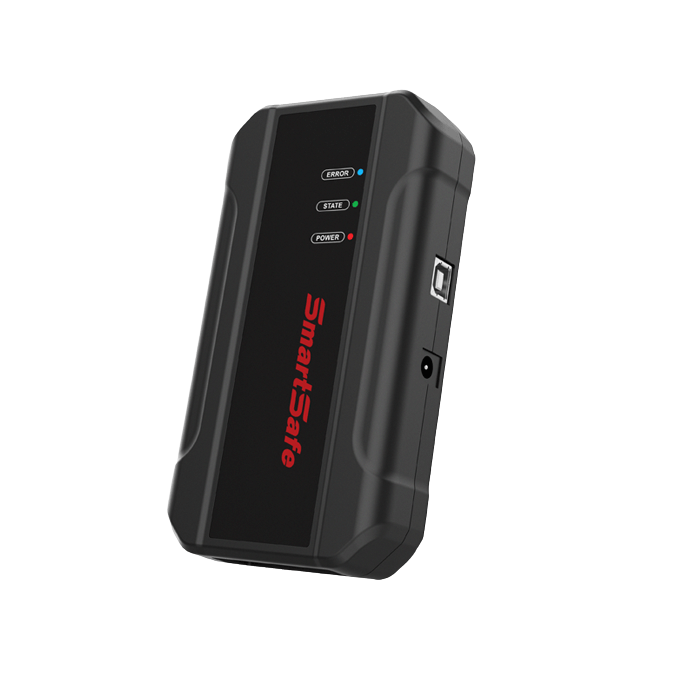
Built for your workshop
PC-based operation
Use dedicated computer software; an Android diagnostic tablet is not required.
Flash & EEPROM
Read, write and back up supported control-unit data.
ECU & TCU cloning
Work with supported engine and transmission control units.
Functions in practice
Module identification
Read supported chip IDs before selecting the required operation.
Connection guidance
Use the connection information available for the selected control unit.
Backup & restoration
Save the original data and write supported data files through the PC software.
File verification
Supported file checks and immobilizer-data processing accompany the control-unit workflow.
Technical overview
| Parameter | Specification |
|---|---|
| Product type | PC-based ECU & TCU programmer |
| Control platform | Computer with compatible PC software |
| Data types | Flash / EEPROM |
| Main applications | Backup, reading, writing and cloning |
| Android diagnostic tablet | Not required |
Configuration & compatibility
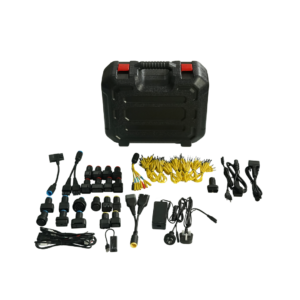
A compatible computer, the F3 software, stable power and the appropriate connection accessories are required. Check the exact ECU or TCU and supported method before use. F3 focuses on control-unit data; do not assume that it includes every key-chip or transponder function available on IMMO G3.